

Your first audit
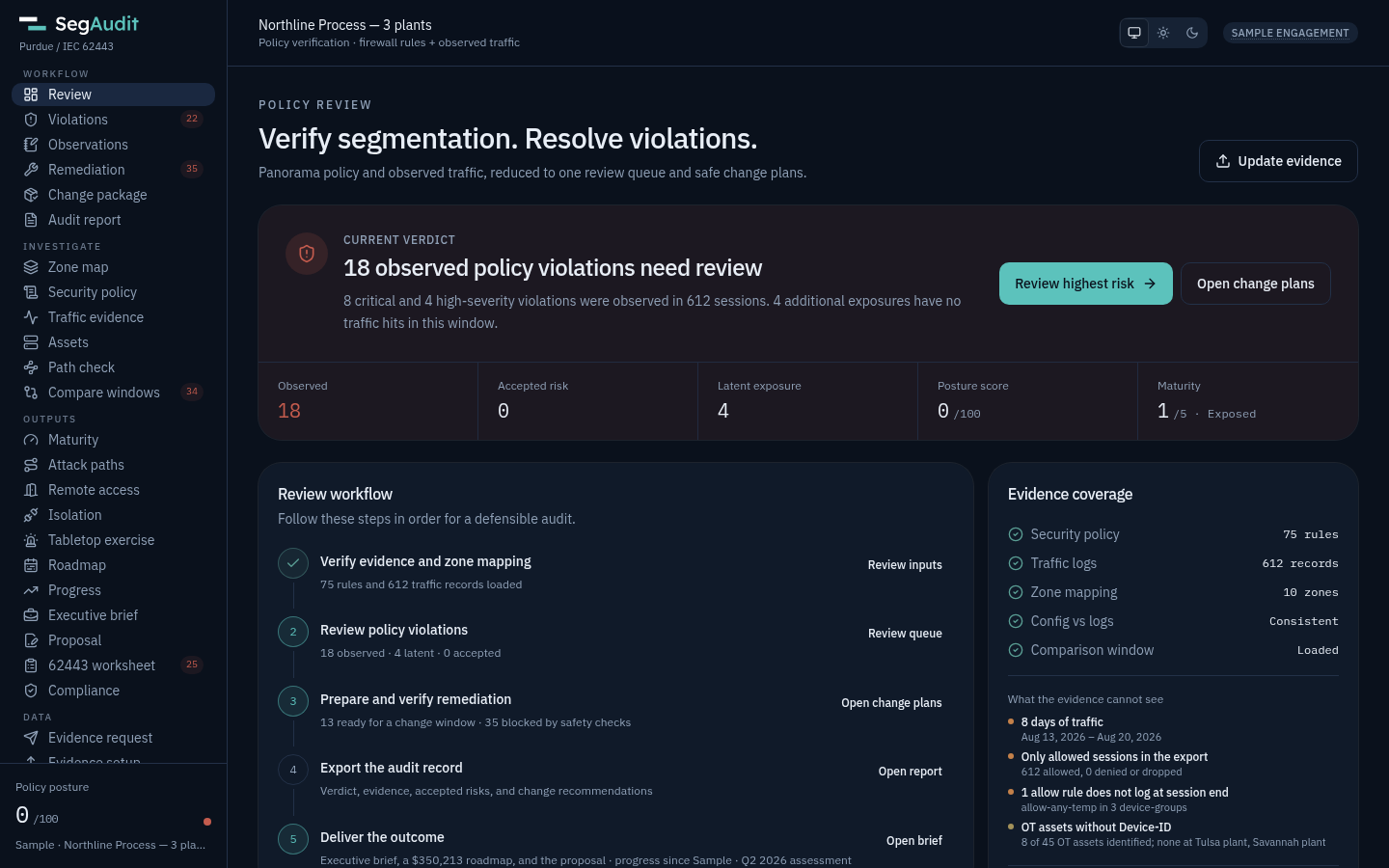
The Northline Process sample has three plants (Tulsa, Fresno, Savannah) with different addressing and the same zone and rule names. It loads when the app opens.
- Review. Start with the current verdict, then click Review highest risk.
- Zone map. Rows are the source level, columns the destination. Warm cells are violations with live sessions. Click a count to see the sessions behind it.
- Violations. Work the observed queue first. Each finding shows the sessions, matching rules and whether it is a priority trap.
- Remediation. Open the change plan for the office-to-HMI trap and follow its steps in order.
- Change package. Every change with its risk, CLI, web steps, verification and rollback.
- Audit report. Print it, export it as Word, or export every deliverable as one .zip, each document in Word and markdown.
Your own plant
Section titled “Your own plant”- Send the evidence request to the client’s engineer.
- Check the returned files’ SHA-256 against the engineer’s message.
- Drop the configuration and traffic log on Evidence setup: Panorama or PAN-OS XML and CSV, a FortiGate backup and its FortiGate or FortiAnalyzer logs, an ASA running config and its syslog, an FMC export and the FTDs’ syslog, or a Check Point export and its logs.
- Correct the Purdue level and target security level for every zone. A wrong mapping gives wrong findings.
- Follow Review, Violations, Remediation, Audit report.
- Record what you saw on site that the evidence cannot show under Observations, and reword or re-rate a finding under Your wording on its evidence panel.
Set your firm up once under Data → Firm profile: name, logo, address, rate card, default frameworks, naming and proposal terms. Every new engagement starts from it.
Save the engagement to resume later. The file contains customer data, so handle it like the evidence, or add a passphrase on Evidence setup to encrypt it.