
Get the free Community edition.
SegAudit installs like any other desktop app on Windows, Mac and Linux: no Docker, no command line and no internet. It opens on a sample plant so you can see the whole workflow before you ask anyone for evidence.
Windows 10 or 11 · 64-bit · no admin rights needed
macOS 11 or later · Apple silicon and Intel
64-bit x86. On Arm, take the arm64 files under All installers.
Install on Windows in three steps
Open
SegAudit-Setup-1.0.0-windows-x64.exeand click Next. If Windows warns you first, see security warnings.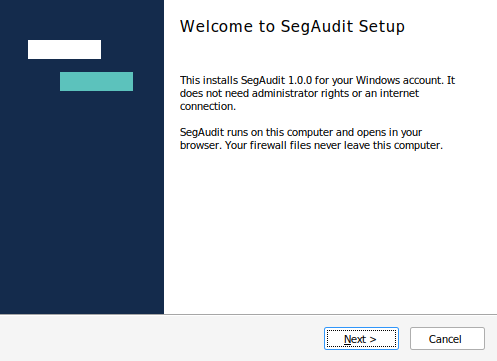
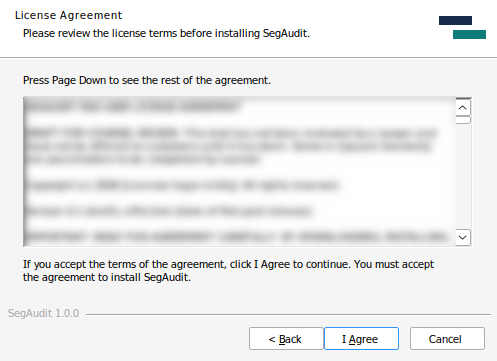
Click I Agree. It installs for your account only, with no administrator rights or internet.
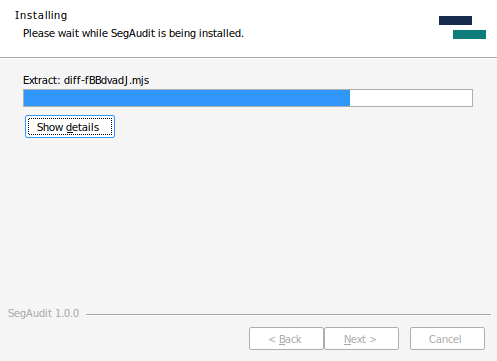
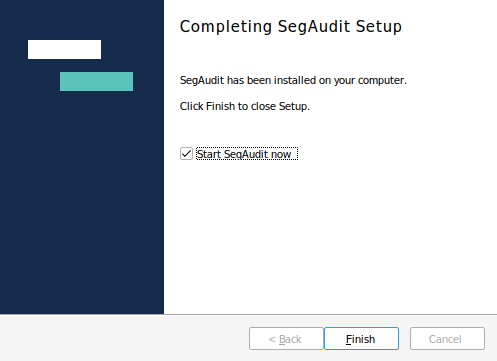
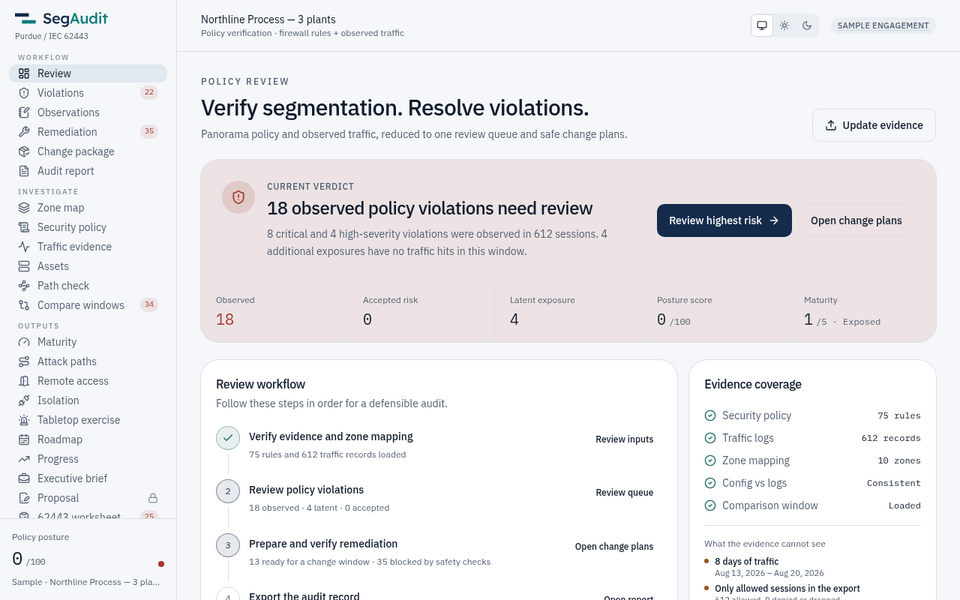
Click Finish with Start SegAudit now ticked. SegAudit opens in your browser on the sample plant. Later, start it from the Start menu. A small window shows that it is running; close the window to stop SegAudit.
Install on Mac in three steps
Open
SegAudit-1.0.0-macos.dmg.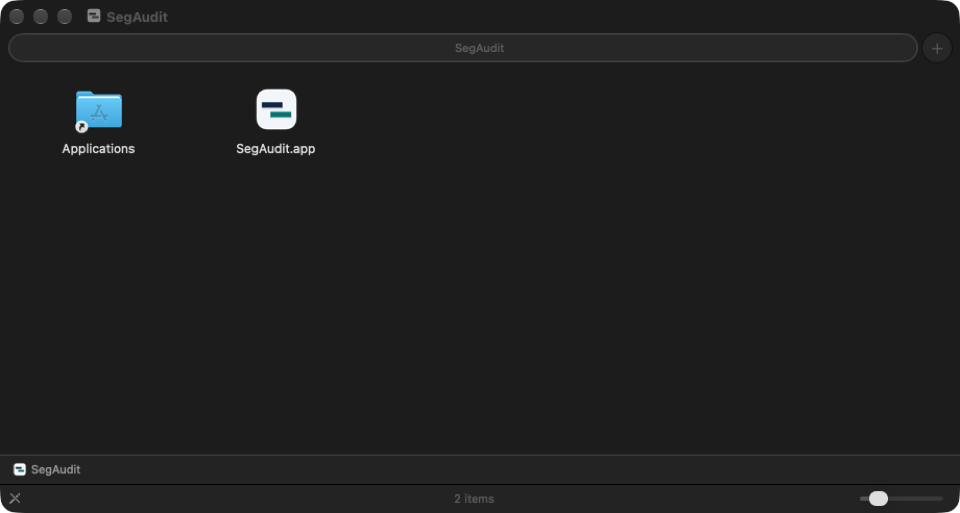
Drag SegAudit to Applications.
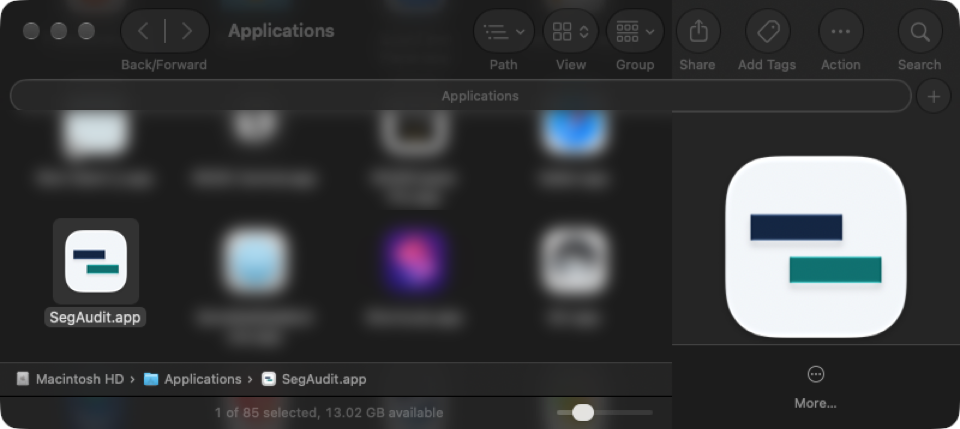
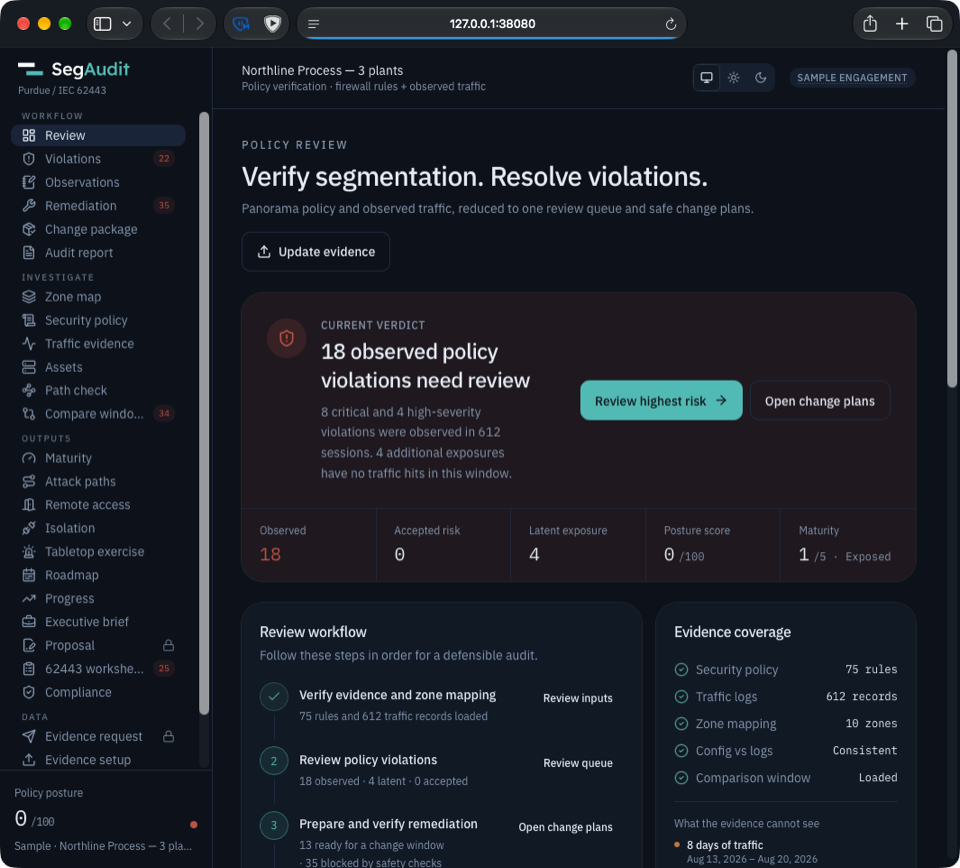
Open SegAudit from Applications. If macOS warns you first, see security warnings. It opens in your browser and sits in the Dock; choose Quit to stop it.
Install on Linux in three steps
Open the .deb or .rpm with your software installer, or run
sudo apt install ./segaudit_1.0.0_amd64.deb(sudo dnf install ./segaudit-1.0.0-1.x86_64.rpm).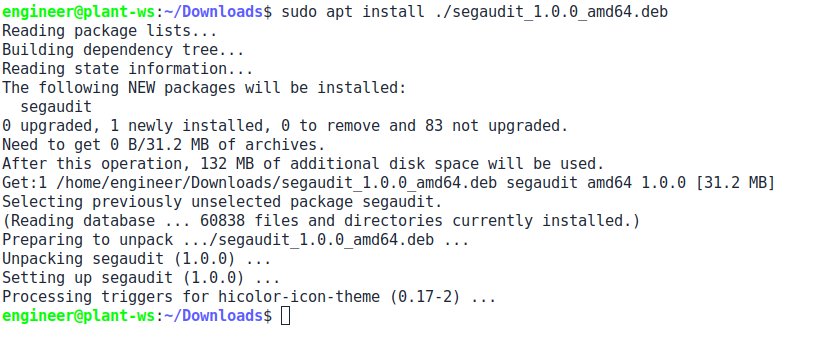
Start SegAudit from the app menu, or run
segaudit. A window shows that it is running and where the license folder is.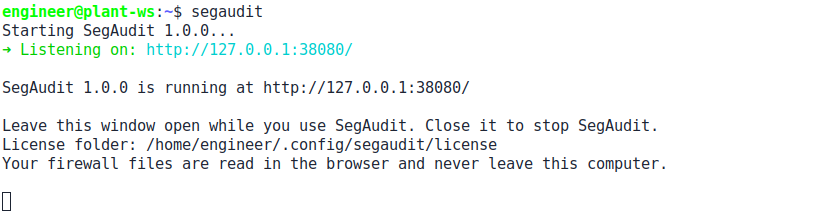
It opens in your browser on the sample plant. Close its window to stop it.
All installers, checksums and signatures
| Windows, x86-64 (also runs on Windows on Arm) | Installer · SHA-256 · Signature |
| macOS, Apple silicon and Intel | Installer · SHA-256 · Signature |
| Ubuntu / Debian, x86-64 | Installer · SHA-256 · Signature |
| Ubuntu / Debian, Arm 64-bit | Installer · SHA-256 · Signature |
| Red Hat / Fedora, x86-64 | Installer · SHA-256 · Signature |
| Red Hat / Fedora, Arm 64-bit | Installer · SHA-256 · Signature |
Check a download the same way as the bundles: see verify a download.
SegAudit opens at http://127.0.0.1:38080 with the Northline Process sample loaded. It listens on this computer only.
Seeing a security warning?
Windows: "Windows protected your PC" may appear the first time. Click More info, then Run anyway. Edge may also ask whether to keep the download: choose Keep.
Mac: macOS may say it cannot verify SegAudit. Click Done, open System Settings > Privacy & Security, scroll down, click Open Anyway and enter your password. You only do this once.
Every installer is signed with Sigstore. You can check it the same way as the bundles.
Other platforms and the Docker image · Free Community edition. Add a license to unlock paid features.
Add your license
The Community edition needs no license. A paid plan or trial comes as one license file, and you add it in the app.
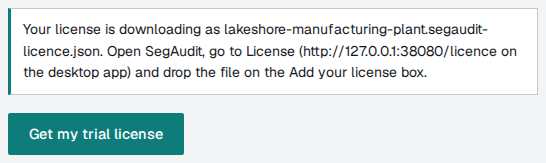
Get your license file. Start a free 30-day trial or buy a plan; the file downloads as soon as it is issued.
Open SegAudit and go to License. Drop the file on the Add your license box, or click it to choose the file.
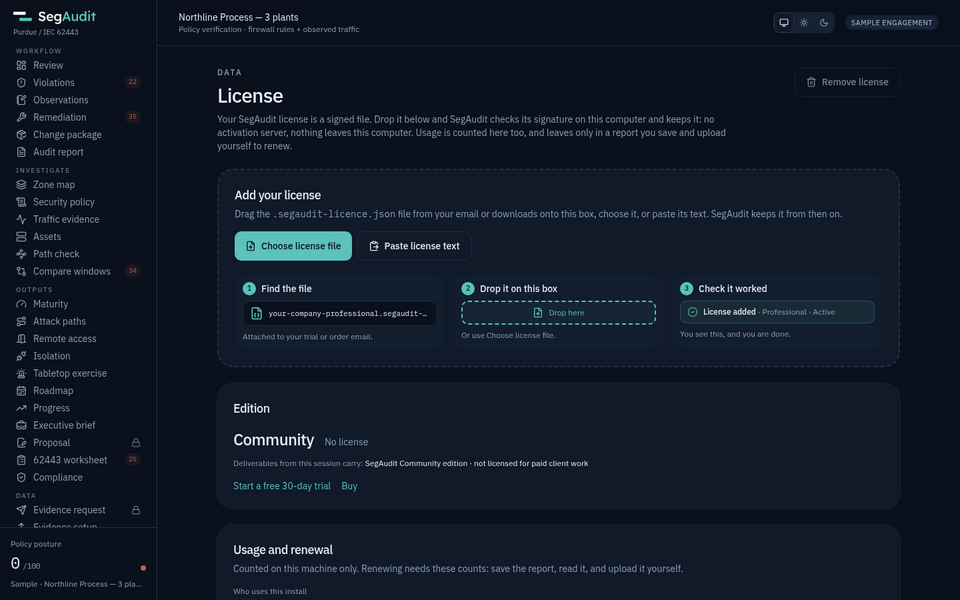
SegAudit checks the file offline and shows License added with your edition. Nothing else to do.
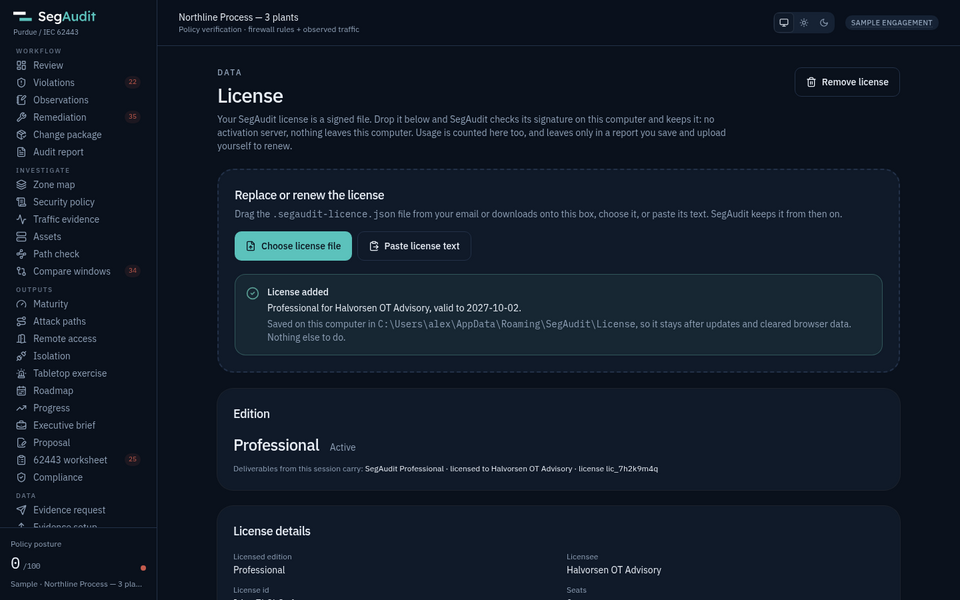
Where SegAudit keeps the file
SegAudit saves the license in its license folder, so it stays across browsers, updates and reinstalls. You can also copy the file there yourself.
| Windows | %APPDATA%\SegAudit\License The Start menu has a SegAudit License Folder shortcut. |
| Mac | ~/Library/Application Support/SegAudit/License |
| Linux | ~/.config/segaudit/license |
Updates
To update, download the new installer and run it over the old one. Your license and your work in the browser stay. On a computer with no internet, carry the new installer across the same way. Like the rest of SegAudit, the desktop app never checks for updates by itself; the updates page and its feed say when there is a new release.
Editions
Community is free. Paid plans come as a signed license file; SegAudit checks the signature offline and never calls home. A free 30-day trial of Professional or Plant edition is available without a sales call.
Community
Free
Evaluating, students and small plants.
Engagement
$2,500 per engagement
Consultants delivering one client job.
Professional
$6,000 per named consultant per year
OT security consultants and firms.
Plant edition
$2,000 per plant per year, minimum 2 plants
Plant and corporate firewall teams.
System requirements
| Desktop | Windows 10 or 11 (64-bit), macOS 11 or later, or Linux with glibc 2.28 or later (Ubuntu 20.04+, Debian 10+, RHEL or Rocky 8+, Fedora). 300 MB of disk. |
| Server or jump host | Docker or a compatible container runtime. Signed builds for x86-64 (linux/amd64) and 64-bit Arm (linux/arm64). |
| Memory and CPU | 256 MB and 0.25 CPU for one auditor; 512 MB and 0.5 CPU for a shared jump host |
| Browser | A current Chrome, Edge or Firefox. The analysis runs in the browser. |
| Firewall | Panorama-managed or standalone PAN-OS, tested on PAN-OS 11.2; FortiGate and FortiAnalyzer, tested on FortiOS 7.4, 7.6 and 8.0; Cisco ASA 9.x, tested on ASA 9.18 and 9.24; Cisco FTD managed by FMC, tested on FMC and FTD 7.4; Check Point with a Security Management Server, R81.10 to R82, tested on R82 |
| File limits | 32 MB config, 64 MB traffic log, 250,000 rows |
Full details are on the system requirements page.
What happens next
Open the sample
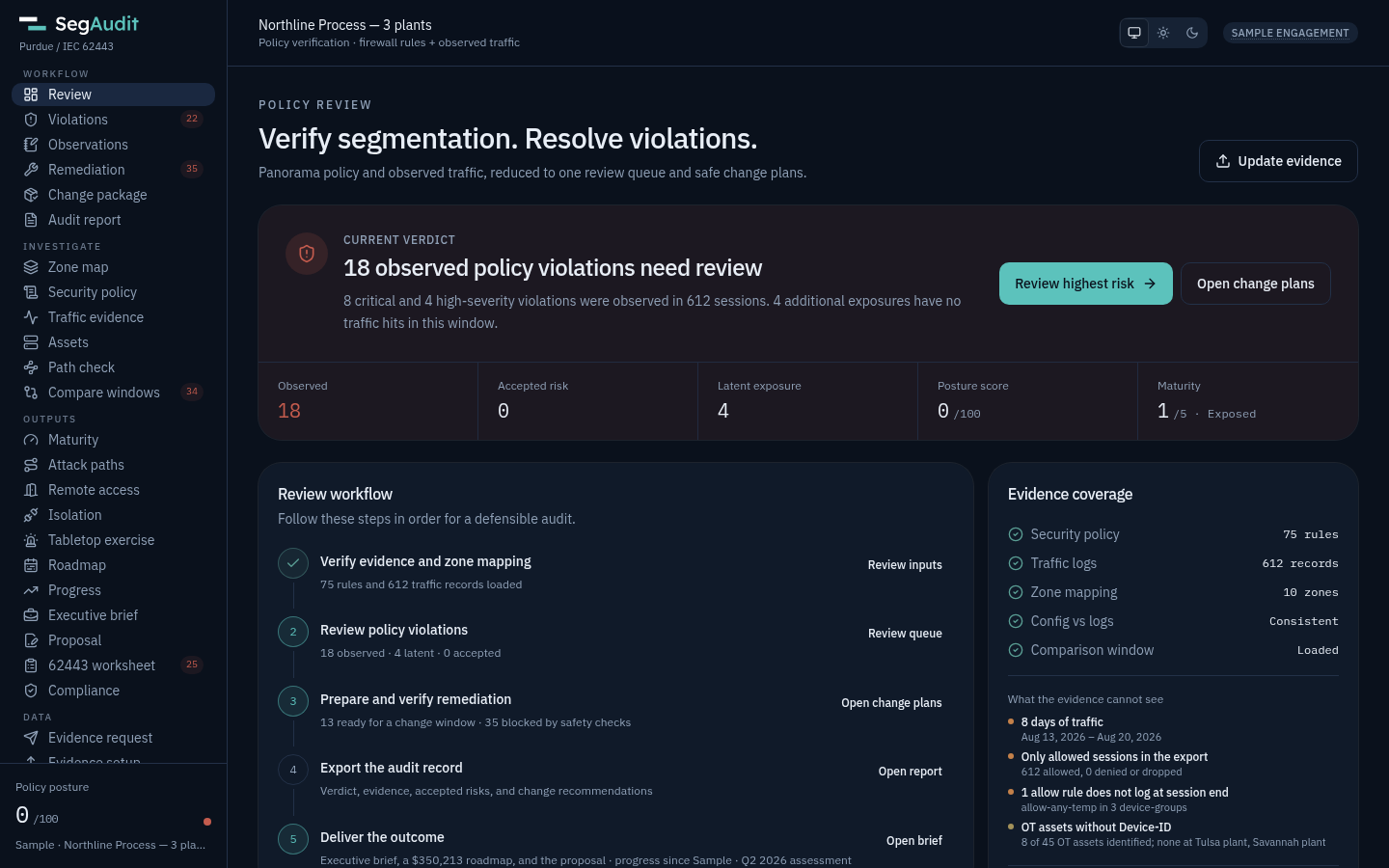
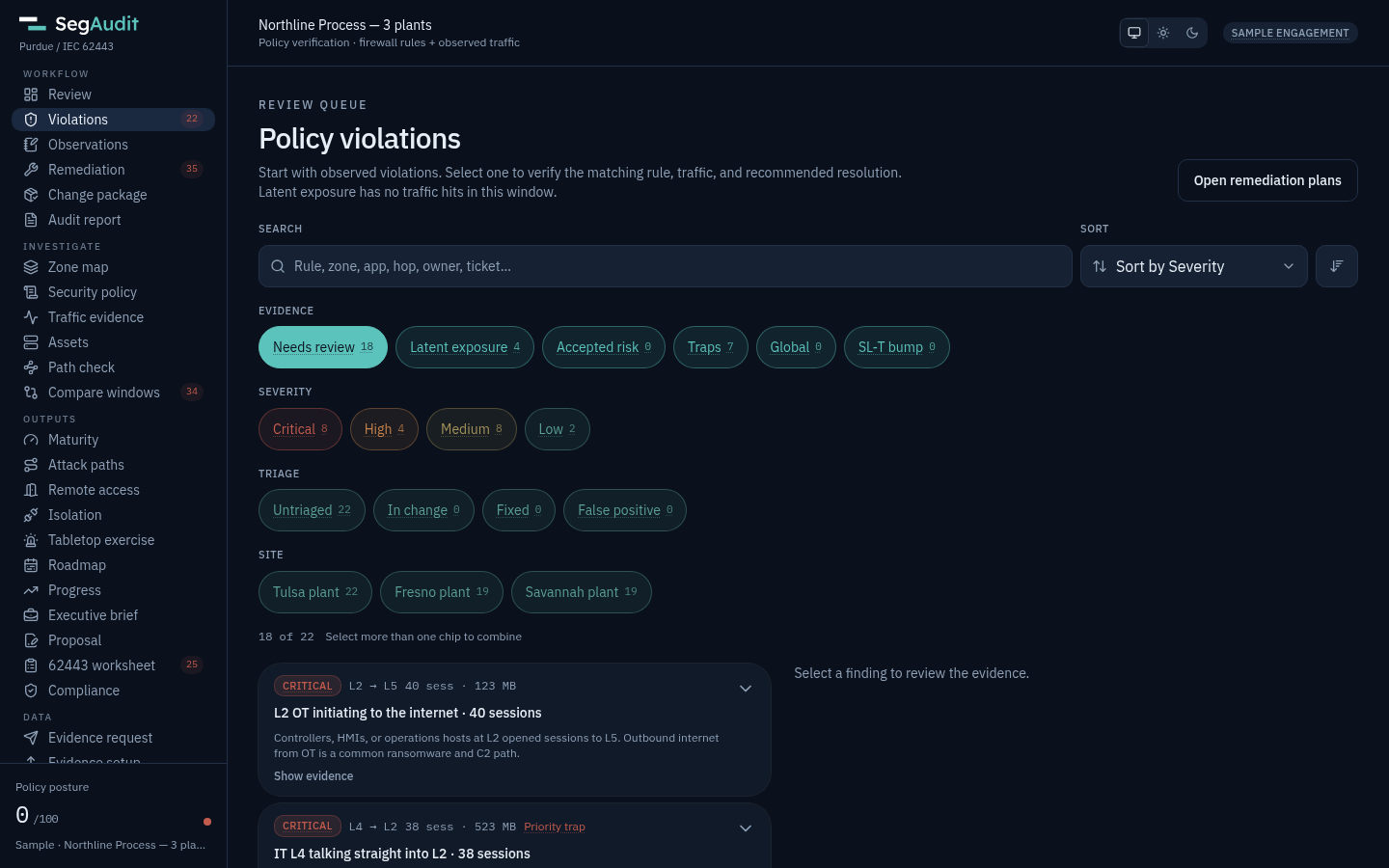
The desktop app opens http://127.0.0.1:38080 for you; on a server, browse to http://127.0.0.1:8080. The Northline Process sample, with three plants, loads on its own. Start on Review.
Walk the first audit
Follow the first audit guide from the verdict to the change package and the audit report in about 15 minutes.
Request evidence from your own plant
Send the evidence request to the engineer who manages the firewall. It asks for a running config and, if the firewall keeps one, a traffic log.
Map zones and review
Drop the files on Evidence setup, confirm each zone's Purdue level and target security level, and work the findings.
Hand over the results
Export every deliverable as one .zip. See the sample deliverable for what it holds.
Jump hosts, servers and Docker
For a shared jump host or a server, SegAudit also ships as one signed container image. Pick the bundle for your host's CPU. Most servers and jump hosts are x86-64. Each bundle installs and updates SegAudit on a host with or without internet, and the same download serves every edition: your license file decides what it unlocks.
Linux, x86-64 (Intel, AMD)
linux/amd64 offline bundle: the image, docker-compose.yml and segaudit-update.
SHA-256Signature (.sigstore.json)trusted_root.jsonSBOM (SPDX)
Linux, Arm 64-bit (Apple silicon VMs, Graviton, Ampere)
linux/arm64 offline bundle: the image, docker-compose.yml and segaudit-update.
SHA-256Signature (.sigstore.json)trusted_root.jsonSBOM (SPDX)
Install on a server or jump host
In an empty folder, with the bundle and its three files beside it, unpack the update tool once and run it. It checks the download, loads the image, writes docker-compose.yml and starts SegAudit. The container only serves the app; the analysis runs in your browser.
tar -xzf segaudit-1.0.0-linux-amd64.tar.gz ./segaudit-update
./segaudit-update segaudit-1.0.0-linux-amd64.tar.gz
Then open http://127.0.0.1:8080. To use another host port, set SEGAUDIT_PORT in .env, for example SEGAUDIT_PORT=8443. Put a license file in the licence folder next to docker-compose.yml; updates never touch it. Later, ./segaudit-update --pull updates a connected host in place, and the updates page covers both paths.
Install on an air-gapped jump host
Same bundle, same command: nothing has to reach the internet from the jump host.
Download on a connected machine
Take the bundle for the jump host's CPU with its SHA-256, signature and trust root files, and check the signature before it goes anywhere near the plant.
Carry the four files across
Move them with your approved transfer process and keep them in one folder.
Run segaudit-update on the jump host
It checks the SHA-256 and CPU type, checks the signature again if Cosign is installed, loads the image, writes docker-compose.yml and starts it.
Open it from a browser
Use a browser that can reach the jump host and load the config and traffic log from local disk. Nothing is posted off the host.
# on the jump host, in the folder with the four files
tar -xzf segaudit-1.0.0-linux-amd64.tar.gz ./segaudit-update
./segaudit-update segaudit-1.0.0-linux-amd64.tar.gzVerify the signed download
Check the signature
Bundles and images are signed in CI with Sigstore keyless signing by the release workflow, so there is no long-lived private key to steal. The bundle signature checks offline with trusted_root.json.
Check the checksum
Each bundle has a .sha256 file. segaudit-update refuses a bundle whose checksum does not match.
Review the SBOM
Each release includes an SPDX JSON software bill of materials. Releases fail to build if the vulnerability scan finds a High or Critical issue.
Every release includes
| Offline bundle | One per CPU type: the image, docker-compose.yml and segaudit-update |
| .sha256 | The bundle's SHA-256 checksum |
| .sigstore.json and trusted_root.json | The bundle's Sigstore signature and the trust root to check it with no internet |
| Container image | ghcr.io/lukeponio/segaudit for amd64 and arm64, signed with Sigstore Cosign |
| SBOM | SPDX JSON software bill of materials for each CPU type |
| Release notes | Image digest, signature identity and what changed |
The exact commands are in the verification guide, and each release is listed on the updates page. The supply chain page covers how images are built and signed.
Safe to run inside the plant
- No network requests of its ownFonts and assets are bundled. There is no telemetry and no update check; you choose when to update.
- Locked-down containerIt runs as a non-root user with a read-only root filesystem and all capabilities dropped.
- No built-in sign-inBind it to localhost, or put a reverse proxy with TLS and your own access controls in front of it.
- Customer files stay in the browserThe XML and CSV are parsed in the browser. Nothing is written back to the container.
Already a customer? Downloads are the same for every edition: load your license file on the License page, or drop it in the license folder (the licence folder on a server). New releases and security fixes are announced on the updates page and the security advisories page, each with a feed.